What to Put in the Ad
UGC-style video, before/after carousels, and simple problem→solution graphics tend to win.
Creative beats audience tweaks in the first weeks. Test UGC-style video, before/after carousels, and simple problem→solution graphics; all generatable from your product URL.
Why It Matters
Creative drives results more than audience tweaks in the first weeks.
What To Do
- Try UGC-style reaction or testimonial video.
- Test before/after or product carousel.
- Use simple problem → solution static graphic.
- Generate from your product URL instead of starting blank.
Example Ad Formats to Test
Pick two or three of these from one product URL, approve the winners, then publish. The examples below are what we mean by each format, not a single “perfect” ad.
1. UGC-Style Reaction or Testimonial Video
What it looks like: Vertical video (9:16), face or hands on camera, product in use, casual lighting, feels like a customer clip, not a studio shoot.
Structure: Hook in the first 3 seconds → quick demo or unboxing → one concrete benefit → spoken or on-screen CTA.
Example script: "I didn’t expect this to work, but my [pain point] is actually gone." → show product for 5-10 sec → "It’s [product name], link below."
Where it fits: Strong on Meta and TikTok in-feed video. For Google Demand Gen, use a clean video asset without burned-in promo text if Google flags overlays (headlines and CTA still come from your ad copy in Get Shouting).
2. Before/After or Product Carousel
What it looks like: Two to four panels: the “before” pain, product hero shot, “after” or benefit, then offer or social proof.
Example slide flow (skincare): "Flaky by noon" → product on sink → "Soft skin all day" → "4.8★ from 200+ reviews, shop now."
Example slide flow (apparel): flat lay of outfit → on-model shot → detail (fabric/zipper) → "Free shipping over $50."
Where it fits: Designed carousel or multi-image creative on Meta. Static carousel frames also work as TikTok Pangle image ads. For Google, pick a clean product photo variant for the image asset and let Google assemble headline and logo (see Google Ads in Get Shouting).
3. Problem → Solution Static Graphic
What it looks like: One square or portrait image: bold problem line at the top, product photo in the middle, one benefit + CTA at the bottom, readable on a phone without zooming.
Example on-image copy: Headline: "Tired of [pain]?" • Subhead: "[Product] does [one benefit] in [timeframe]." • CTA strip: "Shop now,20% off this week."
Example (supplement): Split frame, left: gray “without” scene; right: bright “with product” scene; small logo corner only.
Where it fits: Meta and TikTok Pangle (designed static). On Google, generate the same idea but export a text-free product shot for the marketing image and put the problem/solution lines in headlines and descriptions instead.
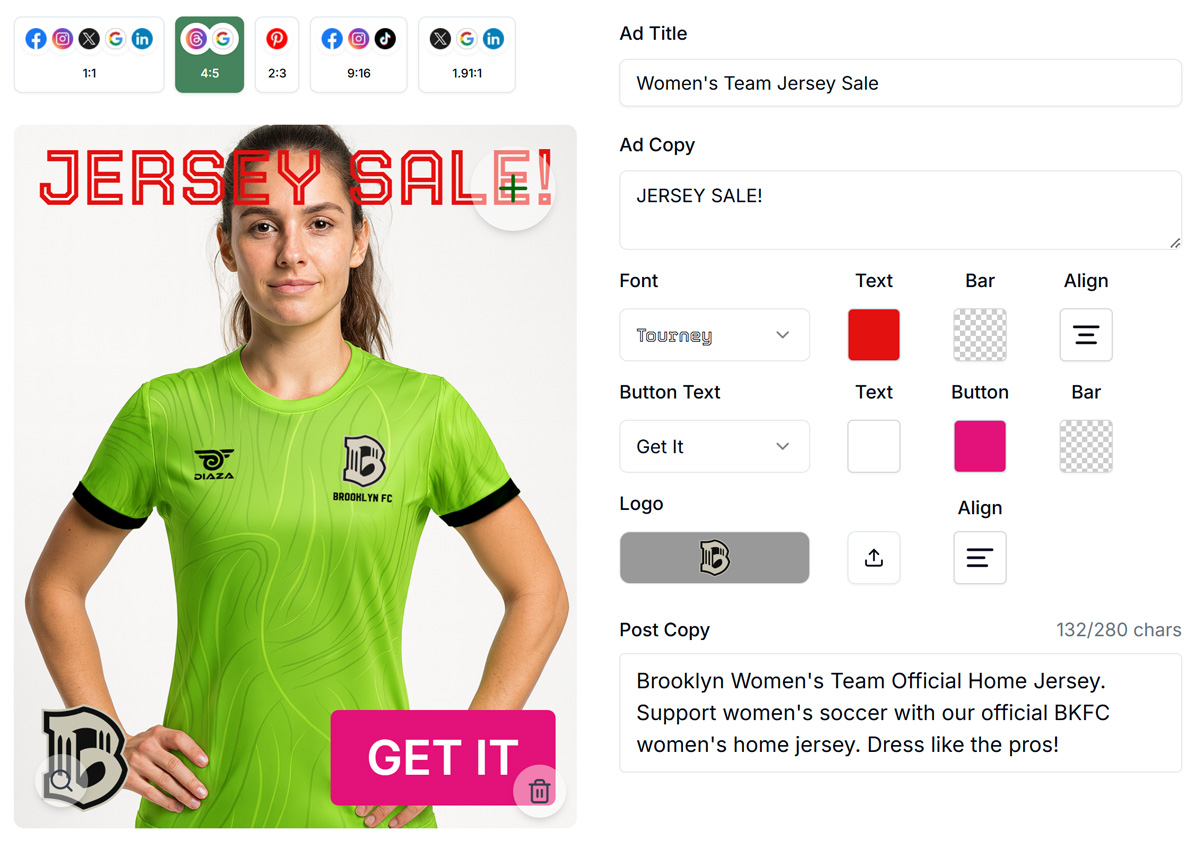
In the generator, compare variants side by side before you approve:

Template You Can Steal
UGC video (first 3 sec): "I didn't expect this to work..."
Voiceover / caption: "I've tried every [category] , this one actually [benefit]."
CTA: "Shop [product] , [URL]"

Carousel slide 1: "Still dealing with [pain]?"
Slide 2: [product name] , hero product shot
Slide 3: "Now: [benefit customers care about]"
Slide 4: "Shop now , [offer or free shipping]"

Static graphic:
Headline: "Tired of [pain]?"
Benefit: "[Product] → [one outcome] in [timeframe]."
CTA: "Shop [product], link in bio / [URL]"
Do It In Get Shouting
- +CREATE → Social → Generate → paste product URL → generate variants
- Or +CREATE → Social → Social Ad & Variants for ad-sized creative
- Approve best 2-3 variants before increasing budget
Keep In Mind
- Approve 2-3 variants before increasing budget.
- Hook viewers in the first three seconds on video; most scroll past otherwise.
Free In-App Guide
Implement as you go in the app. Sign in, open Account → My Profile → Start Marketing Academy and turn on Marketing Academy for the Ecommerce or General track. Email and in-app reminders will walk you through each step. See Use the In-App Marketing Academy.
Related How-To Guides
Next Up
In the next chapter, we'll be talking about how to Know When to Refresh Your Ad. Rising CPC and falling CTR mean creative fatigue: swap every 2-4 weeks.
Apply Your Knowledge
Start your free trial and follow along in Get Shouting.
Start Your Free Trial TodayNo credit card required • 14-day free trial • Cancel anytime