Recover Abandoned Carts
Usually the single highest-ROI message you will send.
After 3 Customer Buckets, cart recovery is the fastest win: you are messaging people who already showed clear consideration and intent by adding items and starting checkout, not cold prospects.
Why Cart Recovery Works So Well
Intent is obvious. They chose products and have often entered email or logged in. That is a much stronger signal than an anonymous site visit, so the message feels relevant instead of spammy.
Life interrupts. Tabs close, kids call, meetings start. Most abandonments are due to distraction, not a hard “no.” A short reminder with their exact cart brings the decision back when they have a moment.
Timing is the nudge. A note ~1 hour later catches warm intent; follow-ups at 24 and 48 hours answer doubts or add a small incentive to get them over the line before interest fades. You are helping them finish what they started, not chasing strangers.
With your store connected and email CRM enabled, cart line items and checkout links can merge into the message automatically—turn on the Abandoned Cart journey and let the sequence run.
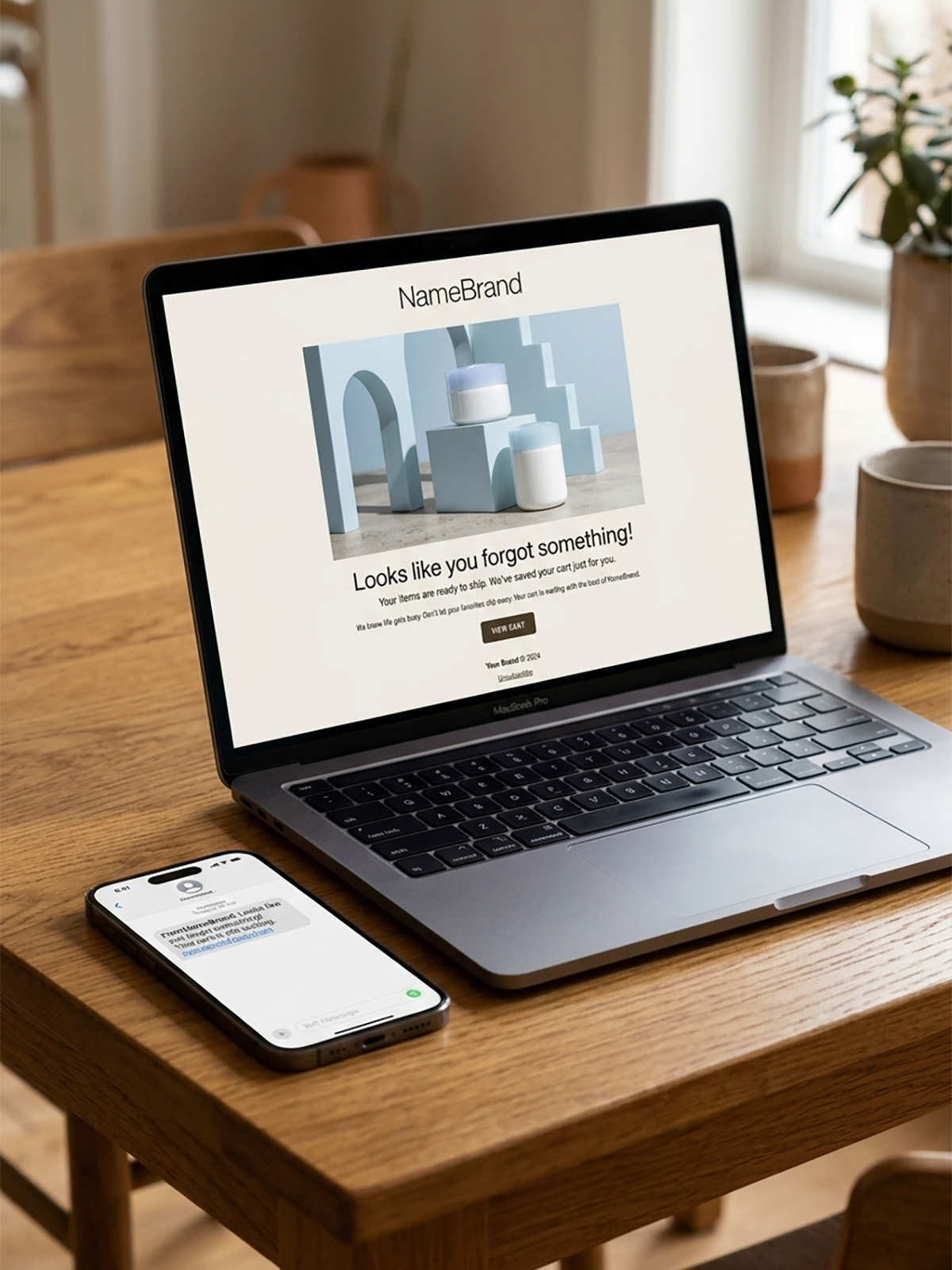
Why It Matters
Cart abandoners are buyers who stalled mid-decision. Recovery emails work because intent is already there: you remind them what they wanted, respect that they got distracted, and show up at the right times so checkout feels easy again. That combination is why this journey often outperforms almost every other automated send.
What To Do
- SMS (~1 hr): “Did you forget something?” + show their cart.
- Email 1 (24 hrs): “Did you forget something?” + answer objections (shipping, sizing, returns).
- Email 2 (48 hrs): small time-limited incentive if needed.
Template You Can Steal
Subject: You left something behind
Body: Your cart is saved: [cart items]; complete checkout: [link]
Do It In Get Shouting
- Store connected with Email CRM enabled
- Campaigns → CRM Journeys → Abandoned Cart → Set Up
- Assign templates; cart contents merge automatically
- Toggle journey Active
Keep In Mind
- Requires connected store with Email CRM enabled on the store connection.
- Merge tags like {{cartUrl}} fill in automatically from store data.
- You can trigger both email and SMS messages in the same CRM Journey.
Free In-App Guide
Implement as you go in the app. Sign in, open Account → My Profile → Start Marketing Academy and turn on Marketing Academy for the Ecommerce or General track. Email and in-app reminders will walk you through each step. See Use the In-App Marketing Academy.
Related How-To Guides
Next Up
In the next chapter, we'll be talking about how to Build a Win-Back Campaign. A modest incentive to lapsed customers often costs less than acquiring new ones.
Apply Your Knowledge
Start your free trial and follow along in Get Shouting.
Start Your Free Trial TodayNo credit card required • 14-day free trial • Cancel anytime