Make Sure Your Emails Actually Arrive
Great emails are worthless if they land in spam.
Before you send a welcome series or cart recovery email, your domain must pass SPF, DKIM, and tracking checks. This one-time setup protects every email and journey you activate later. Setting up your own domain email is the most technical part of any marketing platform, but you only need to do it once.
Why It Matters
Great emails are worthless if they land in spam.
What to Do
- Add DNS records for SPF, DKIM, and open/click tracking at your domain host.
- Click Verify Domain in Get Shouting after DNS propagates.
- Send a test email to yourself and another provider.
- Recheck DNS and verification quarterly.
Copy / Template You Can Steal
Deliverability checklist:

[ ] Add SPF record at domain host
[ ] Add DKIM record at domain host
[ ] Add open/click tracking CNAME if shown
[ ] Click Verify Domain in Get Shouting
[ ] Send test to Gmail + one other inbox
[ ] Calendar reminder: recheck quarterly
Do It in Get Shouting
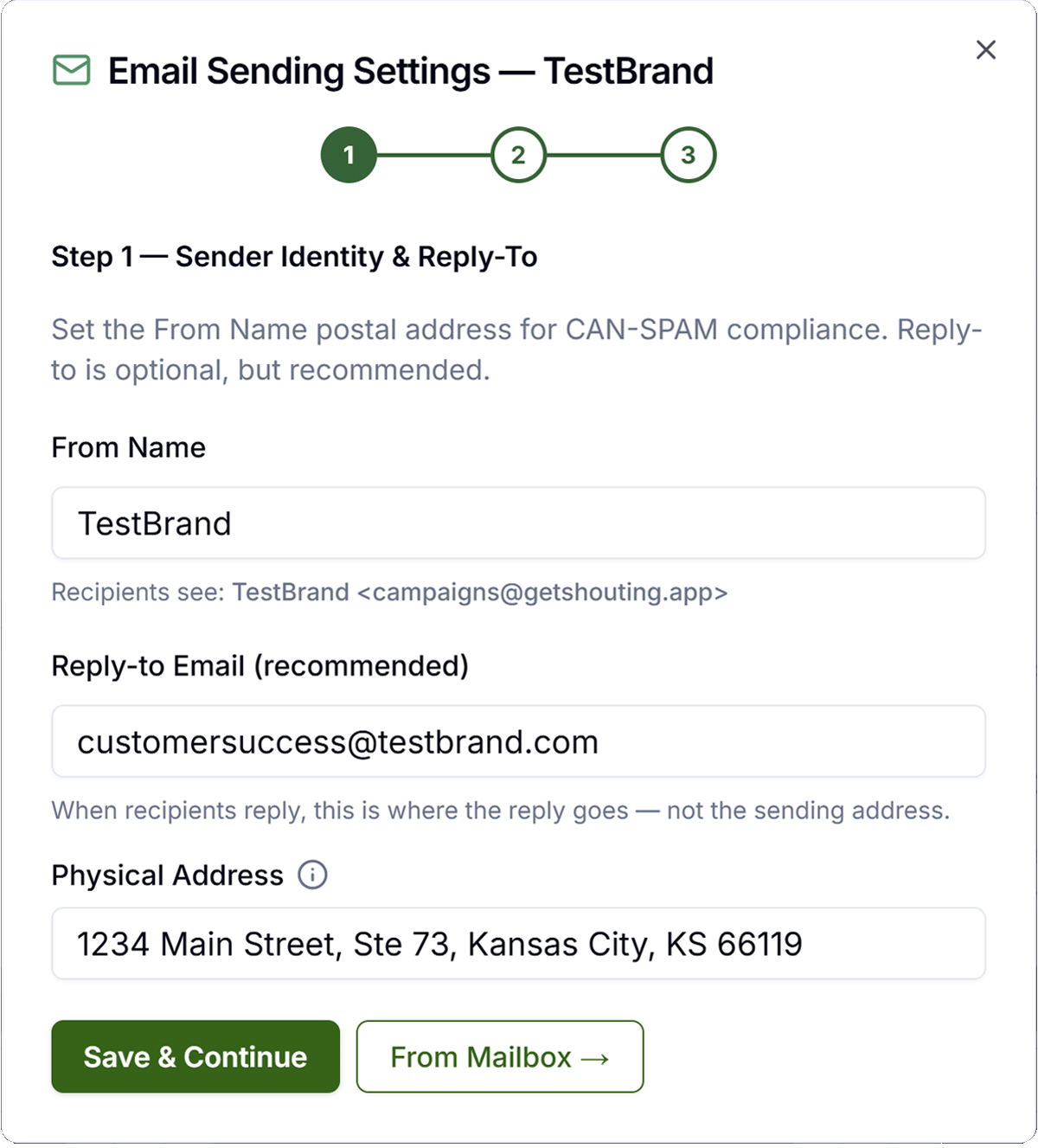
- Account → Social & Brand Settings → Email Sending Settings
- Add DNS records for SPF, DKIM, Open & click tracking
- Click Verify Domain after DNS propagates
- Send a test via Email Campaign or Journey to yourself
Keep in Mind
- DNS can take up to 48 hours to propagate: wait before clicking Verify Domain again.
- A verified domain improves inbox placement for journeys and broadcasts alike.
Related How-To Guides
Apply Your Knowledge
Start your free trial and follow along in Get Shouting.
Start Your Free Trial TodayNo credit card required • 14-day free trial • Cancel anytime